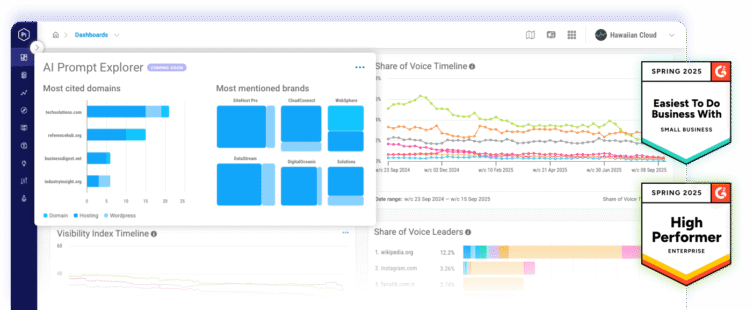
Pi Datametrics MCP Server
Have a conversation with your search intelligence
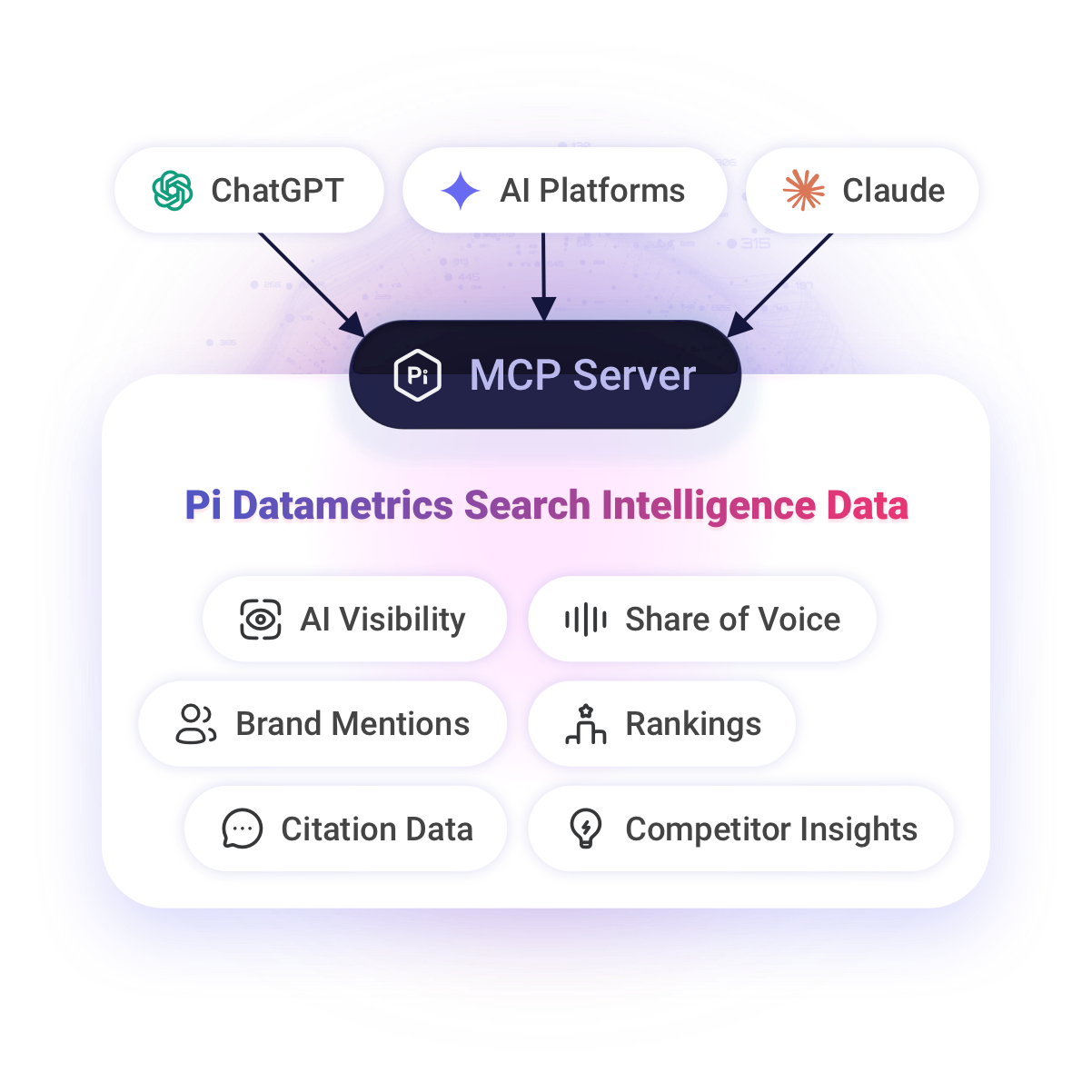
Connect your AI assistant to Pi Datametrics and turn any question about your search performance into an immediate, data-backed answer.
From question to answer in minutes
Whether you are analyzing performance, looking for new opportunities or responding to a question from a senior stakeholder, finding the answer can mean navigating reports, pulling multiple datasets together and spending hours building the analysis.
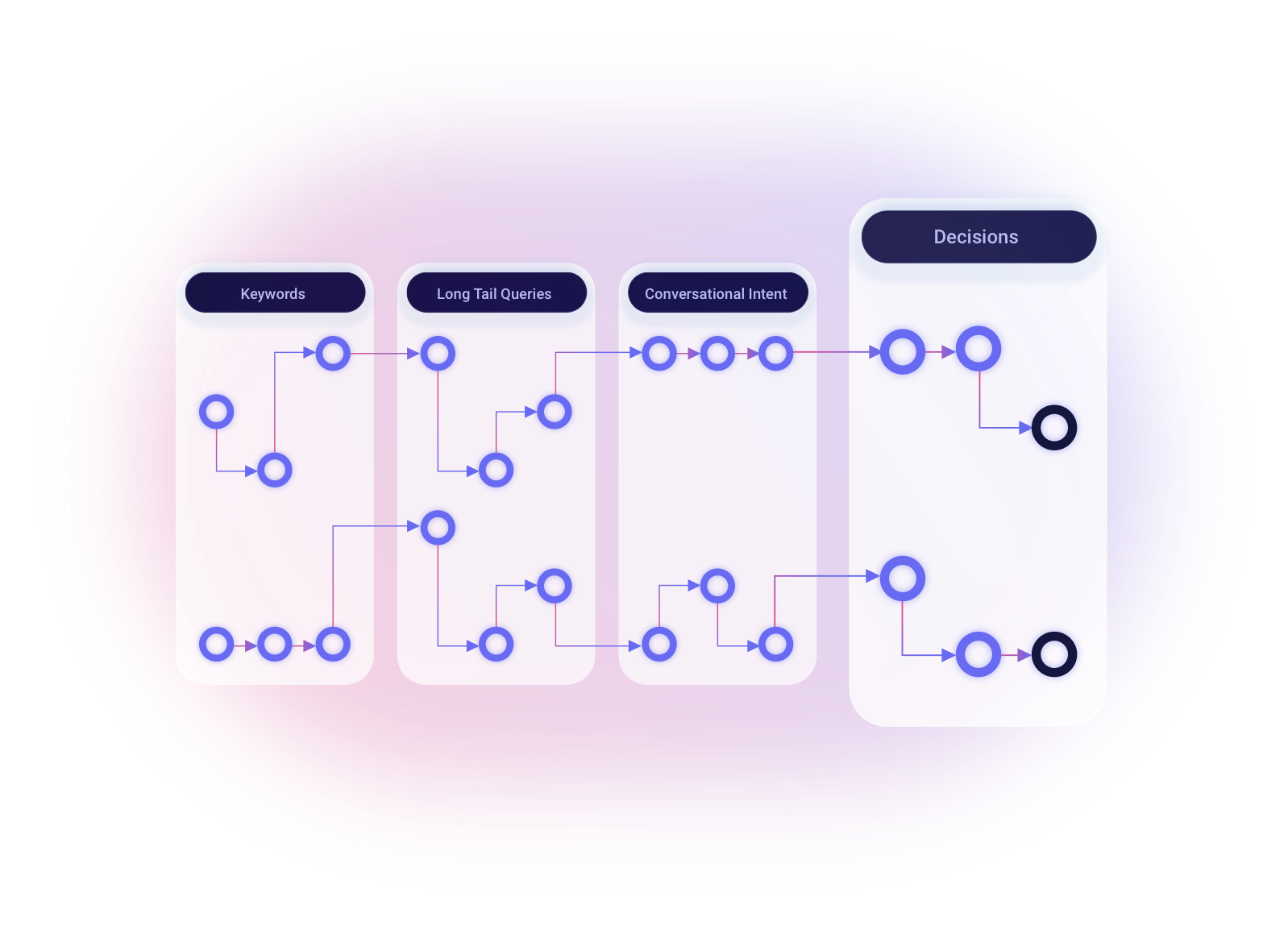
At the same time, search itself is changing. Searchers no longer follow a simple, linear journey. They ask questions, refine what they need and explore related topics across multiple turns.
Pi’s MCP Server brings that same conversational experience to your search intelligence.
Connect your AI assistant directly to Pi and ask the question in your own words. Pi provides the data and context needed to investigate it, helping you move from question to answer in minutes.
Understand why performance has changed. Compare an entire portfolio of brands. Find the publishers influencing AI recommendations. Identify the content opportunities with the greatest commercial potential.
Then keep the conversation going. Ask follow-up questions, explore what is driving the findings and turn the answer into a visualization, dashboard or clear course of action.

Jon Earnshaw
Chief Product Evangelist and Co-Founder of Pi Datametrics
"I had a conversation with the data. I built a dashboard, visualized the findings and saw things in ways I hadn’t seen before. The MCP helped me connect the dots and solve the problem I had in my mind."
Explore what you can do with Pi’s MCP Server

Understand performance changes
Investigate increases or declines across topics, markets, categories and competitors. Identify what changed, where the change occurred and what requires further action. Example prompt: “Show me where our search visibility has declined over the past four weeks, identify the topics responsible and compare the movement with our three closest competitors.”

Analyze your entire brand ecosystem
Bring multiple websites, brands, products or locations into one view. Understand how your complete digital ecosystem performs without examining every asset separately. Example prompt: “Compare the search performance of every brand in our portfolio and create a dashboard showing market share, visibility movement and the strongest opportunities.”

Explore AI search visibility
Understand where your brand is mentioned, cited and recommended across AI-generated answers. Compare your presence with competitors and identify the conversation spaces where your brand is missing.Example prompt: “Which competitors are mentioned most frequently across the conversations important to our customers, and which sources are influencing those answers?”

Identify influential publishers and creators
Explore the websites, publishers and creators shaping visibility in your market. Identify where influence is concentrated and which citation doorways could help your brand enter the conversation. Example prompt: “Identify the publishers and creators with the greatest influence across our market and show which competitors they mention most frequently.”

Find content opportunities
Locate content gaps, conflicting content and emerging opportunities. Prioritize the findings according to their visibility, competitive or commercial impact. Example prompt: “Find the content opportunities where demand is strong, competitor visibility is increasing and our existing pages are underperforming.”

Create stakeholder-ready visualizations
Create branded presentations, executive dashboards, market opportunity reports, content briefs and prioritized action plans, all grounded in Pi’s search intelligence. Example prompt: “Analyze our AI visibility across these markets, identify the strongest citation and content opportunities, and build a branded presentation with the findings and recommended next steps.”
Start faster with Pi’s MCP Template Library
Instead of writing prompts and building workflows from scratch, use Pi’s MCP Template Library to get started.
The library provides pre-built templates for common search and business use cases, helping you understand what you can ask, which areas to investigate and how to structure the analysis.
Choose a template based on your goal or explore the library to discover new ways to use Pi’s search intelligence. Each template guides your AI assistant through the relevant questions, data and stages of analysis, while giving you the flexibility to adapt the conversation as new findings emerge.
Templates help teams:
- Get started without writing prompts from scratch.
- Discover useful questions and areas to investigate.
- Reach data-backed answers faster.
- Follow a consistent approach across brands and markets.
- Turn repeatable analysis into scalable workflows.
- Produce clear, stakeholder-ready outputs.
The intelligence behind every answer
An MCP Server creates the connection. The quality of the answer depends on the intelligence behind it.
Pi brings together AI visibility, traditional search performance, market intelligence, competitor visibility and commercial opportunity. This allows your AI assistant to move beyond retrieving individual metrics and start identifying relationships across your data.
Explore what changed, understand why it matters and determine where to focus next.
Pi’s MCP Server does not simply give your AI assistant more data. It gives it the search intelligence needed to connect the dots.
MCP FAQs
MCP stands for Model Context Protocol. It is an open standard that allows AI applications to connect with external tools, systems and sources of data.
It provides a consistent way for an AI assistant to access relevant information and use it to answer questions or complete supported tasks.
An MCP Server connects an AI application to a particular source of data or set of tools.
Pi describes a MCP as being like the USB of AI: a standardized connector that allows different AI applications and business systems to work together. For example, an MCP Server could give an AI assistant access to product information, pricing, availability or search intelligence.
The server controls which tools and data the AI application can access.
MCPs can connect AI assistants and agents to the information they need to answer questions and complete tasks.
For example, a business agent could use an MCP to access product specifications, pricing, availability, returns and delivery information when responding to a customer or their personal AI agent.
Within Pi, the MCP Server allows you to interrogate search data through conversation. You can ask questions you have never asked before, investigate the findings, connect insights across datasets and turn the results into dashboards, visualizations and finished deliverables.
Watch Jon Earnshaw explain two ways businesses can use MCPs:
Pi’s MCP Server connects compatible AI assistants to the search intelligence held within Pi Datametrics.
It allows you to ask questions about your brand, competitors and market across AI and traditional search. Instead of navigating through separate reports to find each metric, you can explore the data conversationally and follow the analysis wherever it leads.
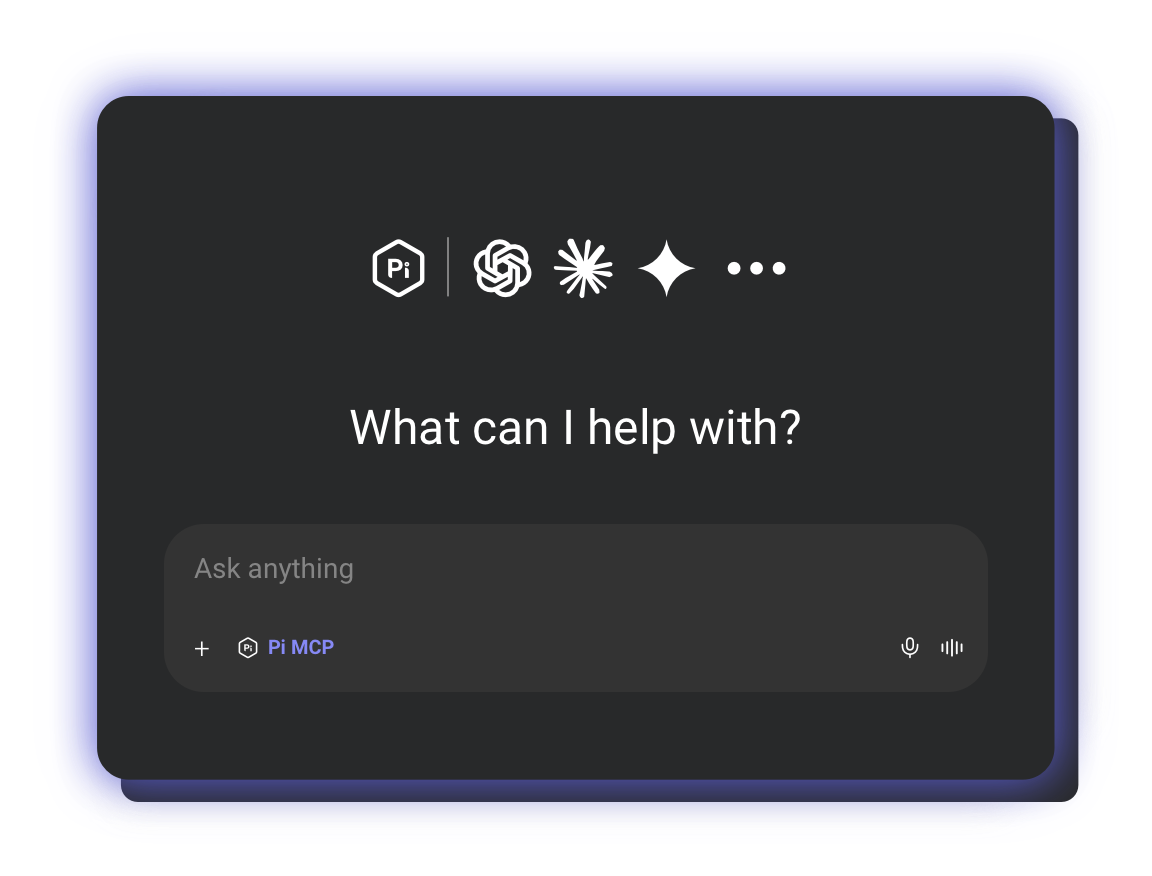
Connect Pi’s MCP Server to a compatible AI assistant and ask a question in natural language.
The assistant identifies the relevant Pi tools and data, retrieves the information available to you and uses it to answer your question. You can then ask follow-up questions, compare different areas of performance or request a particular output.
For example, you could ask the assistant to analyze AI visibility across several markets, identify citation opportunities and create a branded presentation with the findings and recommended actions.
An API gives developers a structured way to request and transfer data between systems. An MCP Server is designed to make external data and capabilities understandable and usable within AI conversations and agentic workflows.
Rather than defining every request in advance, you can describe the outcome you need and continue refining the analysis through natural conversation.
No. Pi’s MCP Server makes Pi’s intelligence accessible through natural conversation. Pi’s pre-built templates also help you begin with a guided use case rather than needing to create complex prompts or workflows yourself.
You can ask questions about the brands, sites, competitors, markets and search terms available within your Pi account.
For example:
- Where has our visibility changed this week?
- Which competitors are gaining Share of Voice?
- Why is this competitor cited more frequently in AI responses?
- Which publishers and creators influence our market?
- Where are our strongest content and citation opportunities?
- Which areas offer the greatest commercial opportunity?
- How does performance compare across brands or markets?
- What is driving a change in visibility?
You can follow each answer with further questions, ask the assistant to investigate a particular finding or request a visual or written output.
The MCP Template Library is a collection of pre-built workflows for common search and business use cases. Each template helps you structure your investigation, analyze relevant Pi data and produce a useful output.
Yes. Templates provide a starting point that can be adapted to your objectives, markets, competitors and reporting requirements. You can continue the conversation with follow-up questions to explore the findings in more detail.
You can ask your connected AI assistant to analyze Pi’s data and present the findings as tables, charts, summaries and dashboards, depending on the capabilities available within the assistant you are using.
Start a conversation with your search intelligence
Connect your AI assistant to Pi Datametrics and turn your search questions into data-backed answers, visualizations and action.